My agentic workflow for building this portfolio
I explain how I built this portfolio and share some of my favourite tools
In the age of vibe-coding, building a portfolio has become a commodity. Here I explain my development workflow for building this site, highlighting a few tools I particularly appreciate.
Framework choice: Astro
In the past, I’ve experimented with a number of static site generators, including Hugo (s'ouvre dans un nouvel onglet) and Gatsby (s'ouvre dans un nouvel onglet), with mixed results. Hugo quickly becomes limiting for creating complex designs, and Gatsby seems to be reaching end-of-life since its acquisition by Netlify in 2023…
These days, my default choice is Astro (s'ouvre dans un nouvel onglet), which needs no introduction. I’ve already successfully deployed it on several public-facing sites in my experience, with undeniable advantages:
- Zero JavaScript by default: HTML is pre-rendered, JS is only loaded where strictly necessary, ensuring optimal performance.
- Content Collections: Markdown content management with schema validation via Zod.
- Pleasant DX: file-based routing, friction-free Tailwind integration, performant live reload.
- Extensibility: fine-grained integration with richer libraries like React or Vue for more advanced use cases, a relatively rich plugin catalogue, etc.
- Static first: easy deployment, minimal attack surface.
The work environment: the terminal!
I work on a MacBook Pro with intensive and almost exclusive terminal use for many years now.
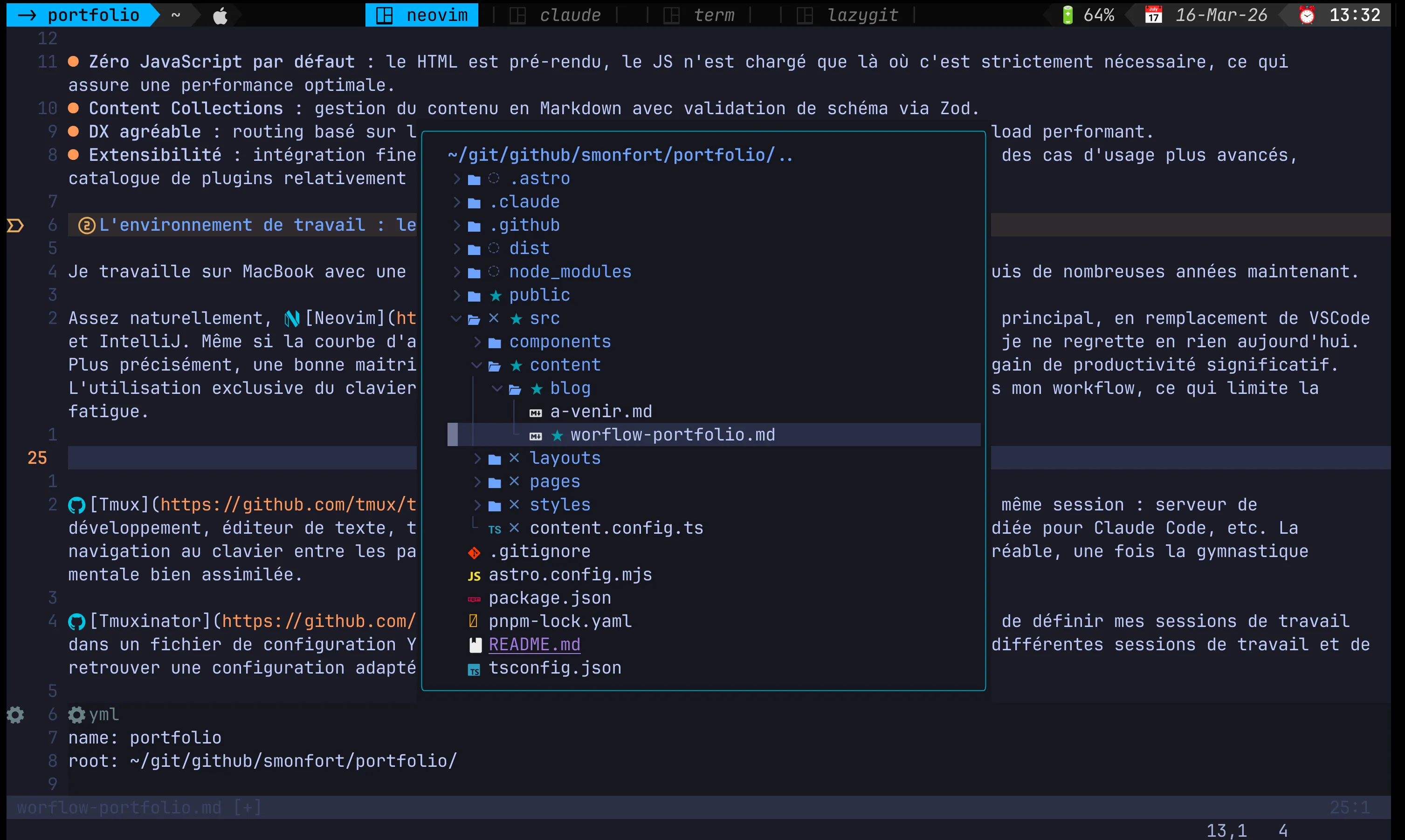
Quite naturally, Neovim (s'ouvre dans un nouvel onglet) has gradually become my main editor, replacing VSCode and IntelliJ. Even though the learning curve is quite steep, it’s an investment I don’t regret at all today. More precisely, a good command of VIM motions (s'ouvre dans un nouvel onglet) offers a significant productivity gain. Exclusive keyboard use also helps limit sources of friction in my workflow, which reduces fatigue.
Some people have very advanced Neovim configurations; I prefer to keep a fairly minimalist approach. The curious can verify this by looking at my dotfiles (s'ouvre dans un nouvel onglet). Rather than complicating my Neovim configuration, I prefer to rely on Tmux (s'ouvre dans un nouvel onglet) to manage multiple windows in the same session: development server, text editor, free terminal for ad hoc commands, dedicated window for Claude Code, etc. Keyboard navigation between panels and windows is particularly fast and pleasant, once the mental gymnastics have been properly internalised.
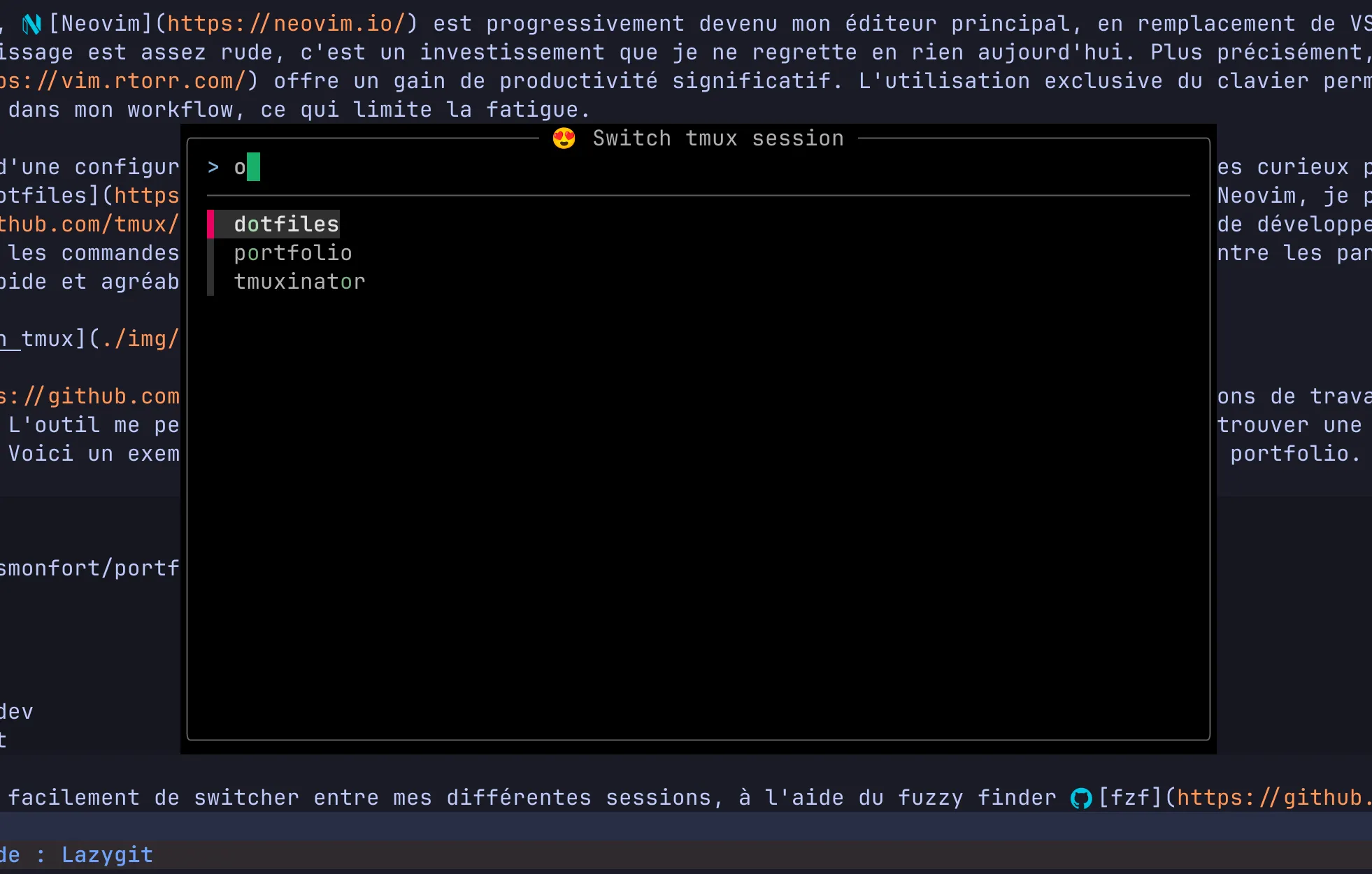
Tmuxinator (s'ouvre dans un nouvel onglet) completes the setup by allowing me to define my work sessions in a YAML configuration file. The tool lets me switch quickly between my different work sessions and find a suitable configuration for each project. Here is a minimal example adapted to my needs for building this portfolio, with a session that opens four windows:
- Neovim opened on the portfolio directory
- a Claude Code session
- the Astro server in development mode
- Lazygit for source code tracking
name: portfolioroot: ~/git/github/smonfort/portfolio/
windows:  - neovim: vi  - claude: claude  - term: pnpm run dev  - lazygit: lazygit
A popup lets me switch very quickly between my different Tmux sessions, using the fuzzy finder fzf (s'ouvre dans un nouvel onglet).
Source control: Lazygit
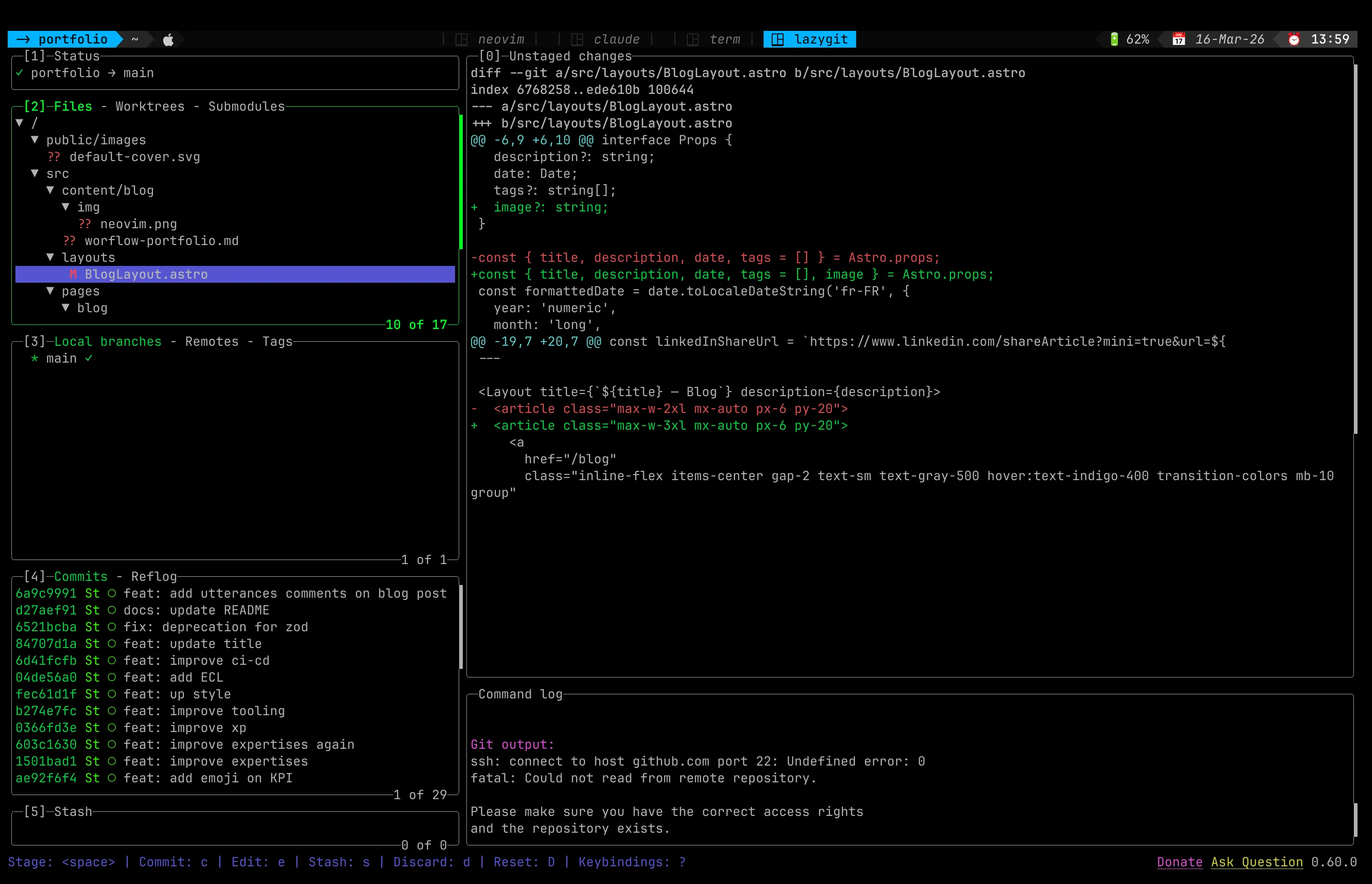
For a long time, I used Git exclusively on the command line. Then I discovered Lazygit (s'ouvre dans un nouvel onglet), and I never went back.
Being comfortable in TUI-style interfaces, Lazygit makes it much easier for me to maintain good hygiene on my Git history. Many advanced commands become very accessible, provided you have a solid grasp of Git fundamentals. So I always keep a window open with Lazygit to have fine-grained control over my staging, commits and pushes.
Building the UI: Claude Code
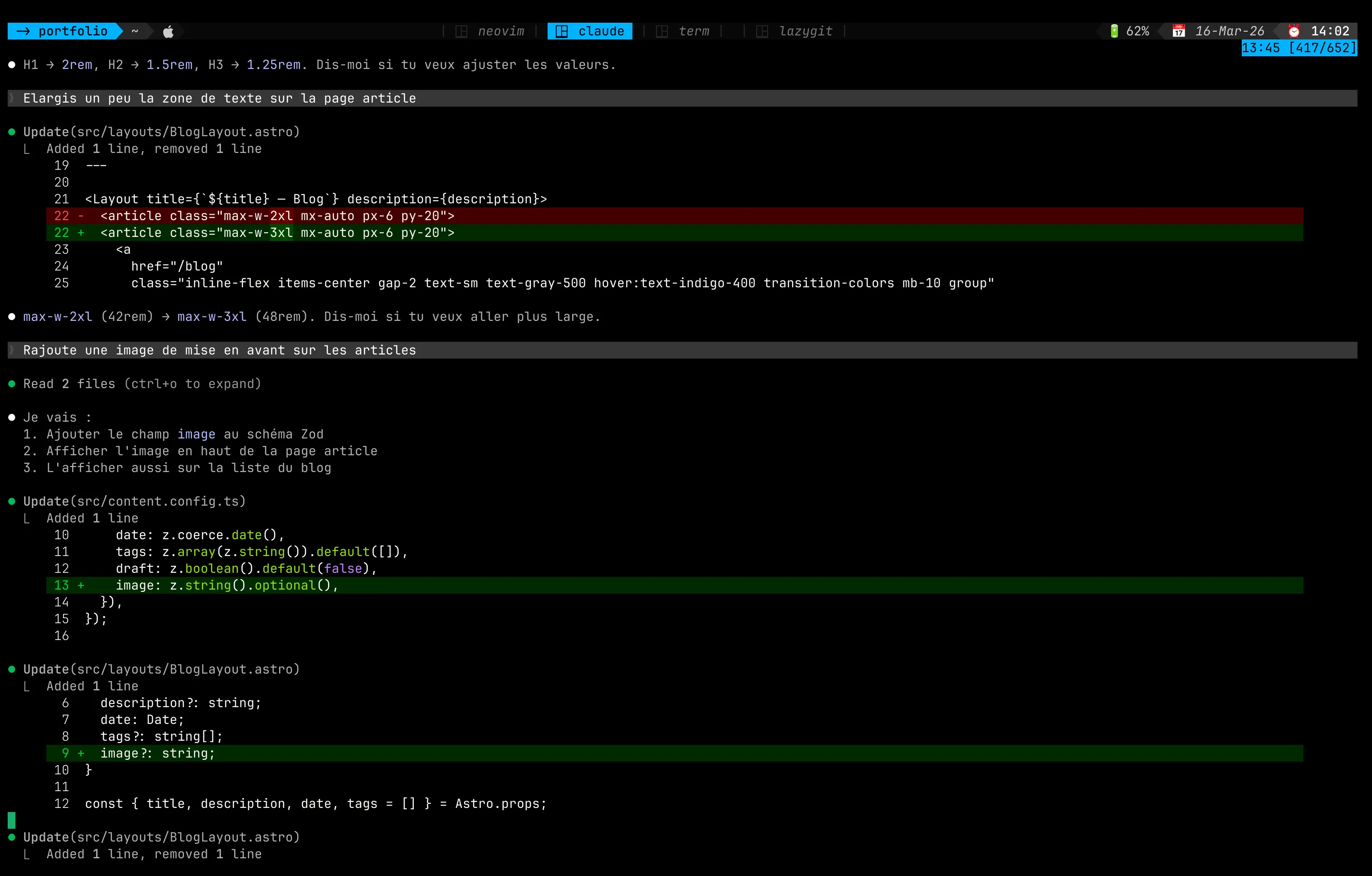
Having limited design talent, Claude Code accompanied me in building the various pages. Progressively, through a series of relatively simple prompts and targeted correction requests, I arrived at a visual result that suited me perfectly. For example, below, I ask for a featured image for each article. Nothing simpler: Claude handles it for me.
To ensure Claude takes the latest Astro API versions into account, I configure it with the MCP server (s'ouvre dans un nouvel onglet) provided by Astro.
I also use the following skills to verify the quality of the development:
- seo-audit (s'ouvre dans un nouvel onglet) to run a flash SEO audit of the deployed site, to ensure all best practices are respected.
- web-accessibility (s'ouvre dans un nouvel onglet) to check digital accessibility
- core-web-vitals (s'ouvre dans un nouvel onglet) for site performance analysis with Lighthouse
A hook also verifies that TypeScript compilation generates no errors.
Editorial content: Markdown in Neovim
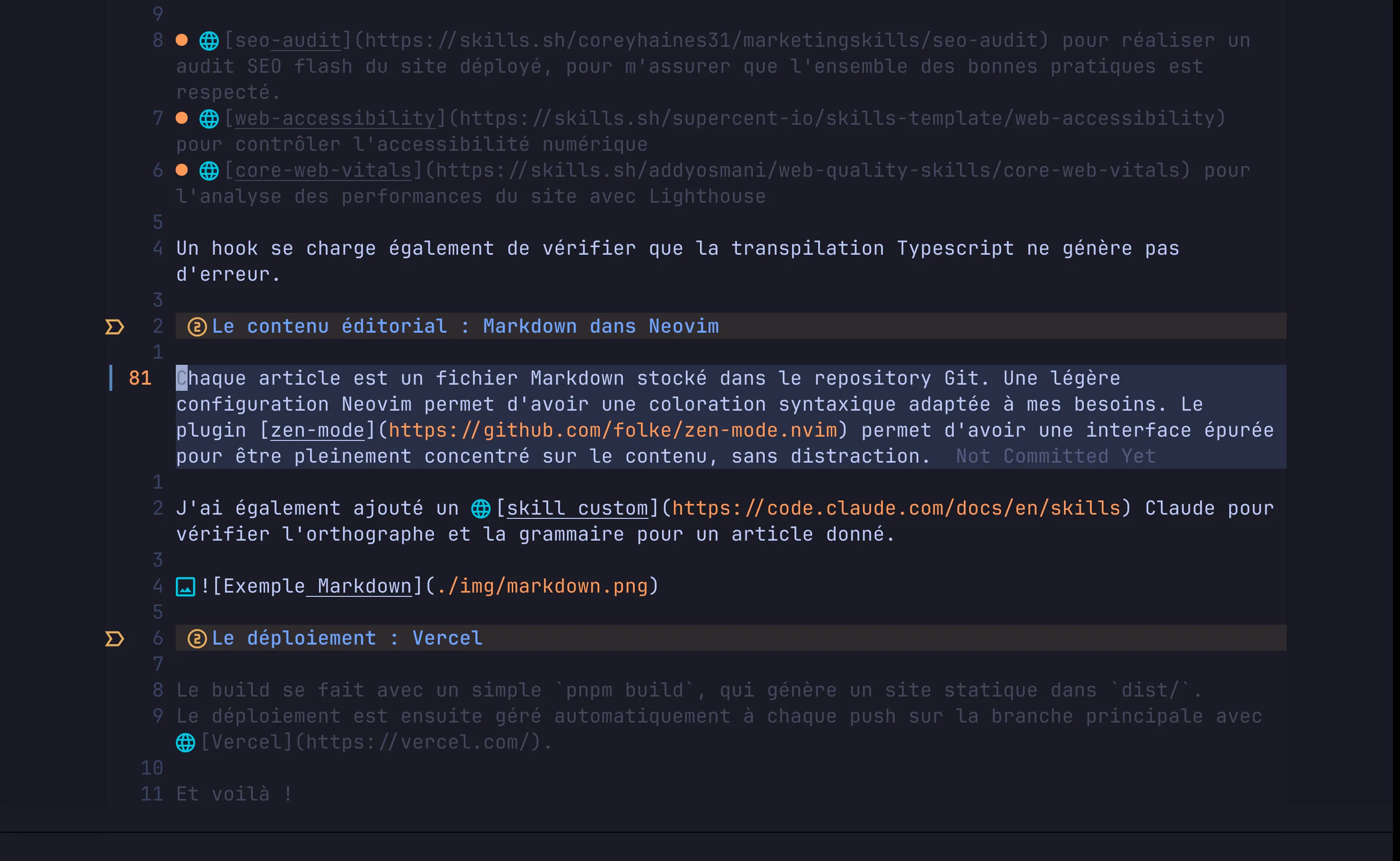
Each article is a Markdown file stored in the Git repository. A light Neovim configuration provides syntax highlighting adapted to my needs. In addition, the zen-mode (s'ouvre dans un nouvel onglet) plugin provides a clean interface to stay fully focused on the content, without distraction.
I also added custom skills (s'ouvre dans un nouvel onglet) for Claude to:
- check spelling and grammar for a given article
- ensure the English and French versions of articles stay in sync
Deployment: Vercel
The build is done with a simple pnpm build, which generates a static site in dist/.
Deployment is then handled automatically on each push to the main branch with Vercel (s'ouvre dans un nouvel onglet).
And that’s it!